As a Site Engineer working here in UAE, I know that the right tools make the difference between a project’s success and failure. Whether you are calculating foundation of a simple villa or managing a high-rise, you need the best software for civil engineering to stay competitive.
What is the Best CAD Software for Engineers?
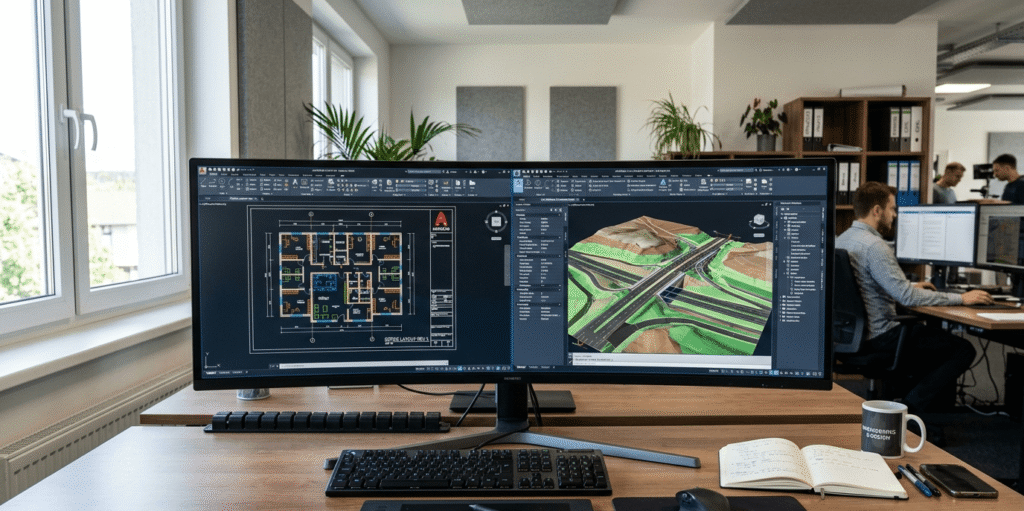
Many people ask, “Which is better, CAD or AutoCAD?” To clarify, CAD stands for Computer-Aided Design. AutoCAD is a specific brand of AutoCAD software developed by Autodesk. It is the industry standard.
For those wondering, “Is AutoCAD for civil?” the answer is a loud yes. However, for more complex infrastructure, we often move toward Autodesk Civil 3D.
Top Five Civil Engineering Software You Must Know
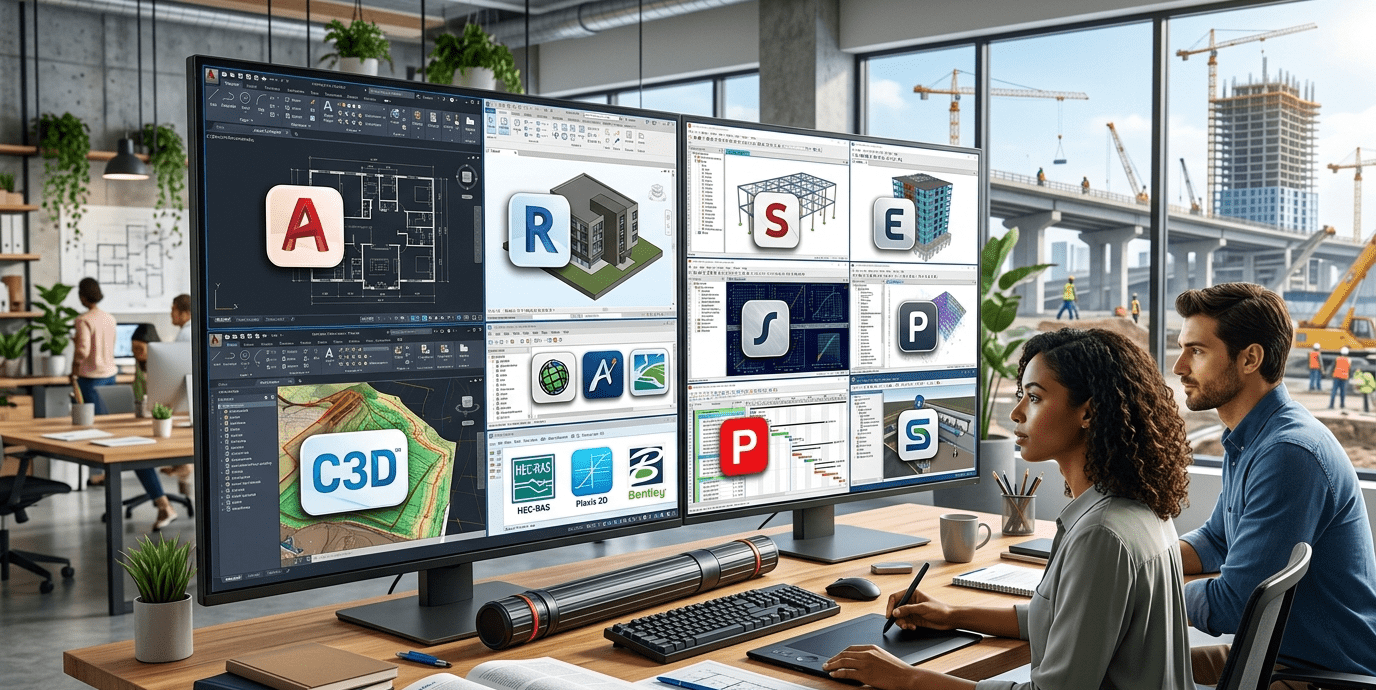
If you want to reach a high engineer salary in UAE, you must master these five tools:
- AutoCAD Software: Used for 2D drafting and 3D modeling.
- Autodesk Civil 3D: Essential for land development and transportation projects.
- SAP2000/ETABS: The best for understanding steel structure design.
- Primavera P6: Crucial for project management skills courses career growth.
- Revit Structure: The leader in Building Information Modeling (BIM).
Which CAD Software do Civil Engineers Use Most?
While there are many options, Autodesk AutoCAD and Civil 3D dominate the market. Civil 3D is specifically built for civil engineers to handle grading, drainage, and corridor modeling.
Free Download: Software for Civil Engineering
I see many searches for “software for civil engineering free download.” While professional licenses are expensive, here is how you can get them legally:
- Autodesk Student Version: Students can get a free one-year license for AutoCAD download and Civil 3D.
- Free Trials: Most companies like Bentley and CSI offer 30-day trials.
- Open Source Options: If you need a software for civil engineering free of cost forever, try FreeCAD or LibreCAD for basic drafting.
Learning the 7 Fields of Civil Engineering
Civil engineering is vast. Depending on your specialty, your software needs will change. Whether you work in structural, geotechnical, or transportation engineering, having a civil engineering software list tailored to your field is vital.
- Structural: ETABS and STAAD.Pro.
- Water Resources: HEC-RAS and WaterGEMS.
- Geotechnical: Plaxis.
Courses and Career Development
Simply having the software is not enough. You need to take high-quality courses. I highly recommend looking into certified AutoCAD 3D Civil courses on platforms like Coursera, Udemy, or LinkedIn Learning. Mastering these will significantly boost your professional profile.
Conclusion
Choosing the right software for civil engineering depends on your career goals. If you are starting out, focus on what is AutoCAD and how to master it. As you progress, move into Civil 3D and BIM.
Leave a Reply